




Do your clients have materials used in infrastructure projects that need testing, and you are unsure where or how to begin the application process?
This guide provides everything you need to know as an agent requesting laboratory and field tests on behalf of an applicant.
What is a Laboratory and Field Test Request?
This service, also referred to as the Public Works Laboratory and Field Test service, allows agents to submit requests and process payments for various laboratory and field tests conducted by the Rwanda Transport and Development Agency (RTDA) on behalf of their clients.
Who is eligible for this service?
This service is designed for agents representing individuals, private companies, or government institutions seeking material testing for infrastructure projects.
What You Need to Know and Collect Before Starting the Application
Ensure you have gathered the following details from your client before applying:
A valid national ID number (for individual applicants)
Registered company name (for private corporate applicants)
Official institution name (for government entity applicants)
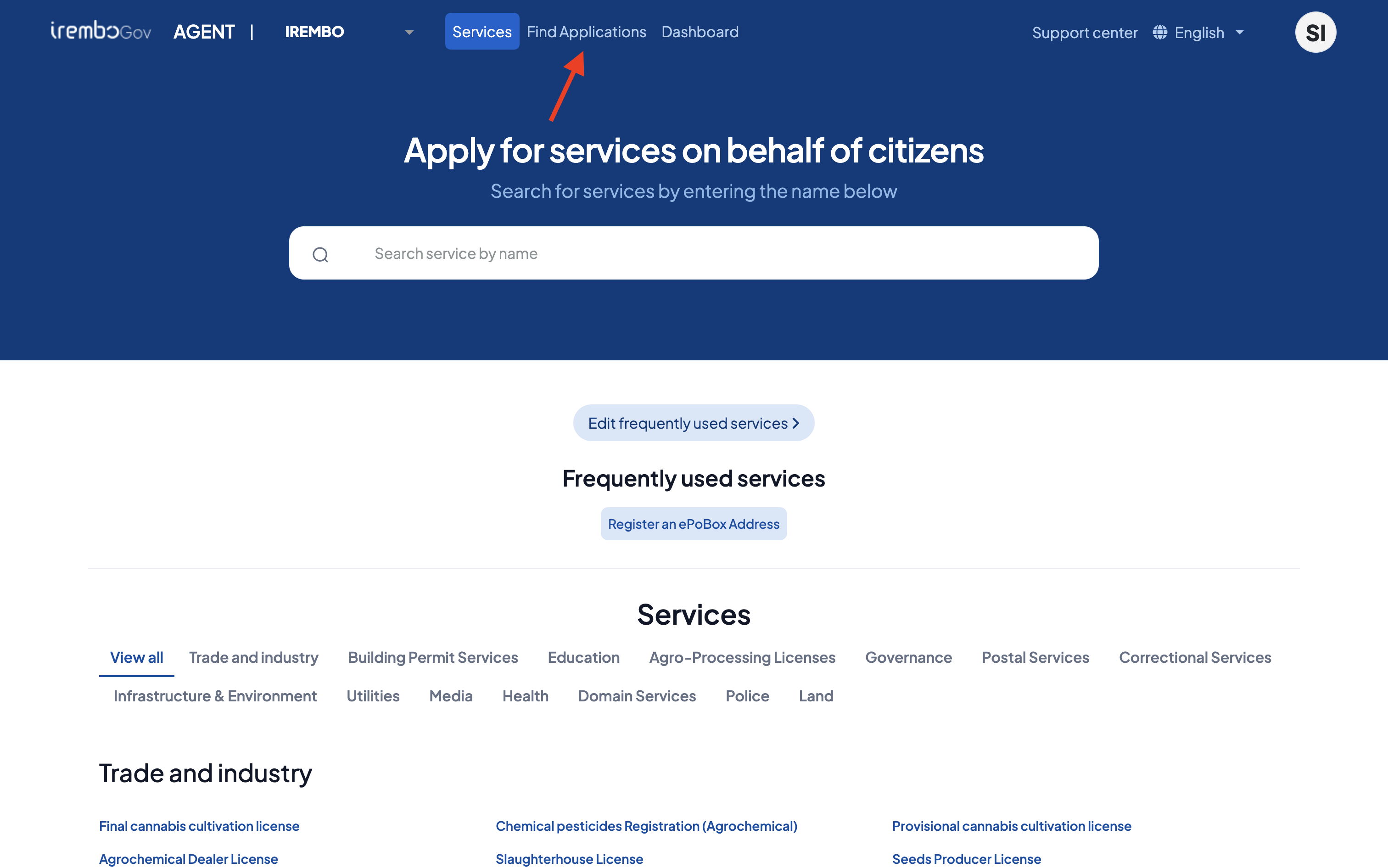
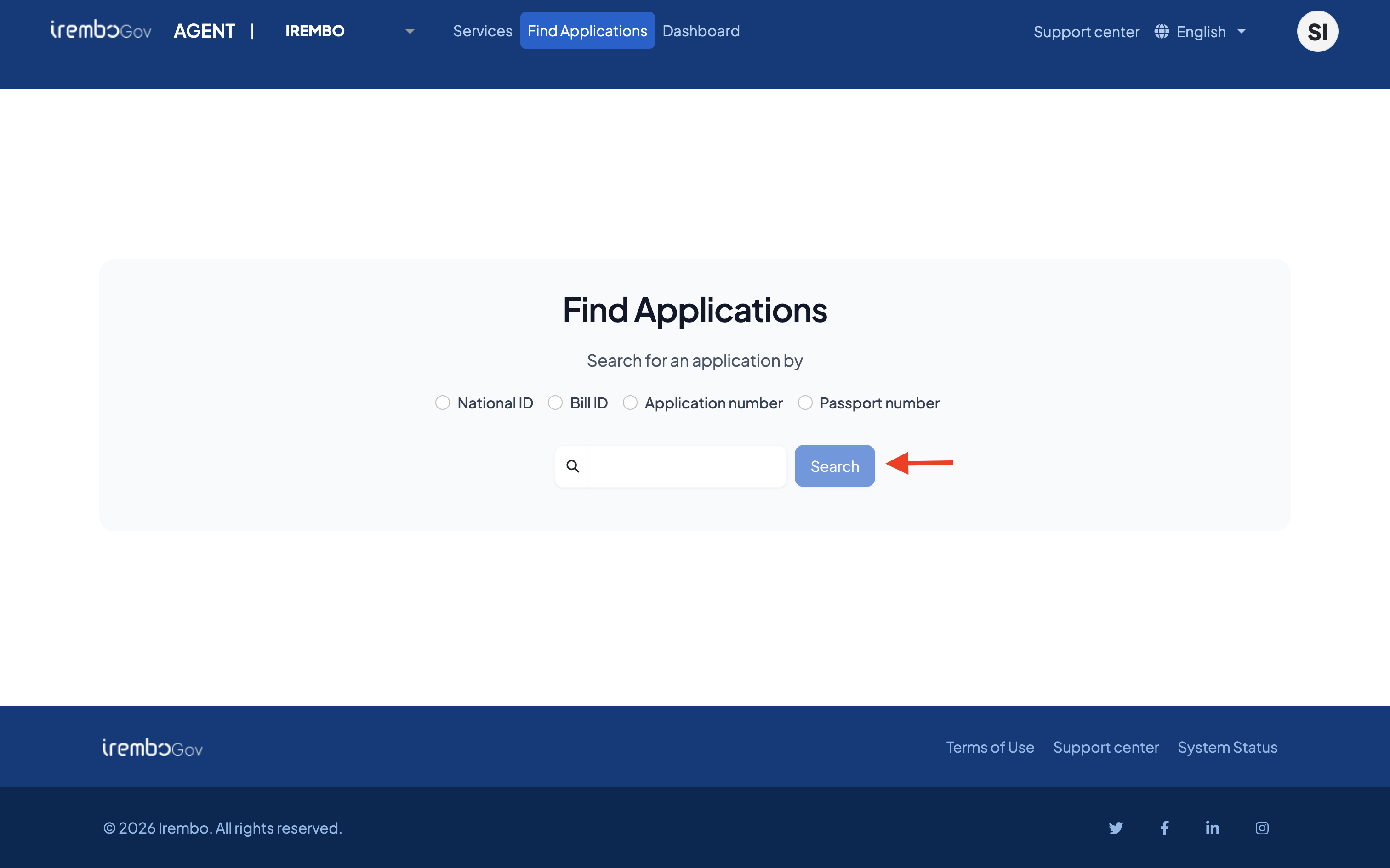
Here is a step-by-step guide on how agents can submit laboratory and field test requests for their clients
What to expect after submitting the application for your client
Upon submitting the request, a billing number/ID (88…) will be generated; proceed to make the payment on behalf of your client.
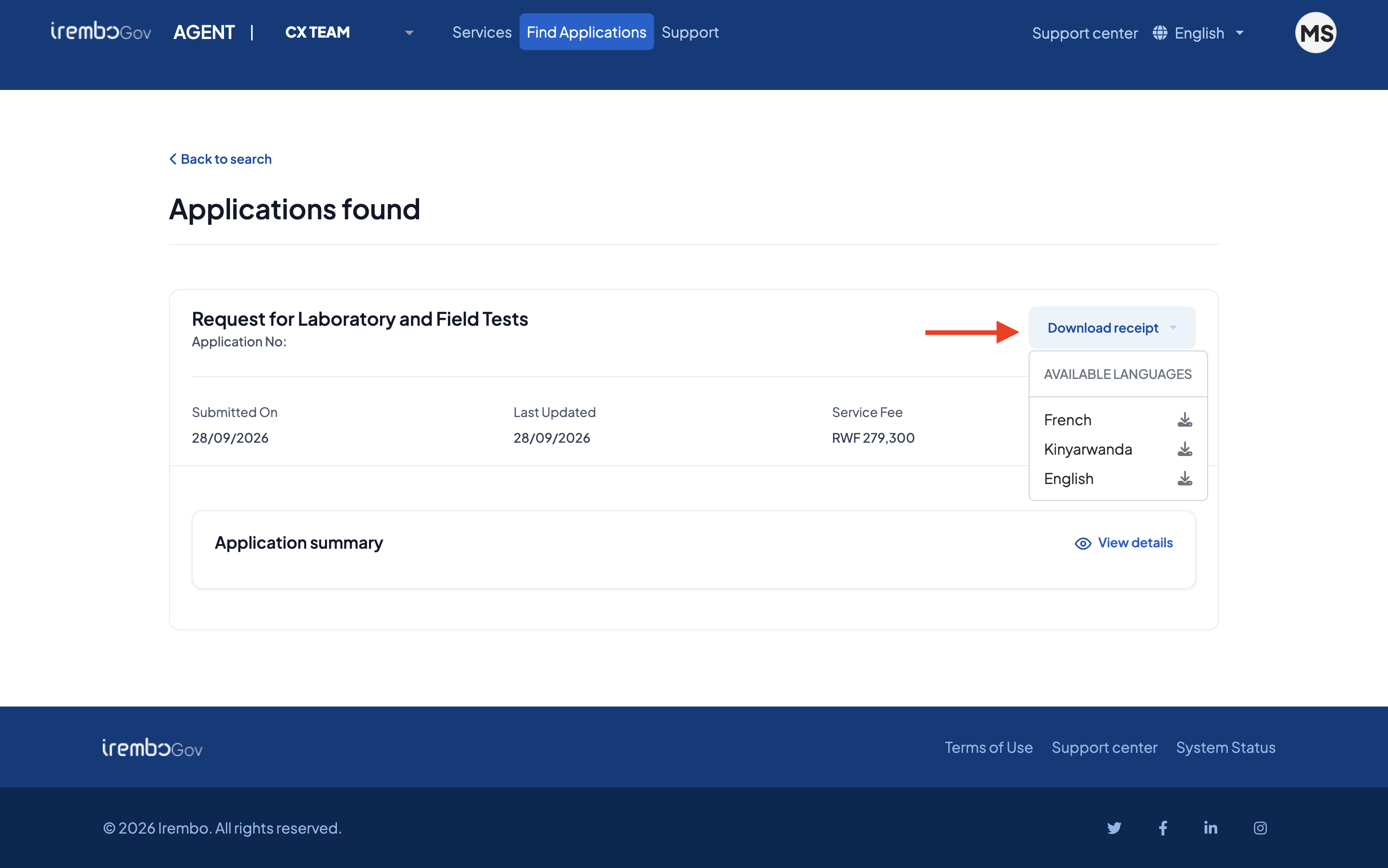
After completing the application and payment, await feedback notification from the Rwanda Transport and Development Agency (RTDA). Payment receipts can be downloaded directly from IremboGov using the application or billing number.
Was this article helpful?
That’s Great!
Thank you for your feedback
Sorry! We couldn't be helpful
Thank you for your feedback
Feedback sent
We appreciate your effort and will try to fix the article